Free AI Music Video
Generator
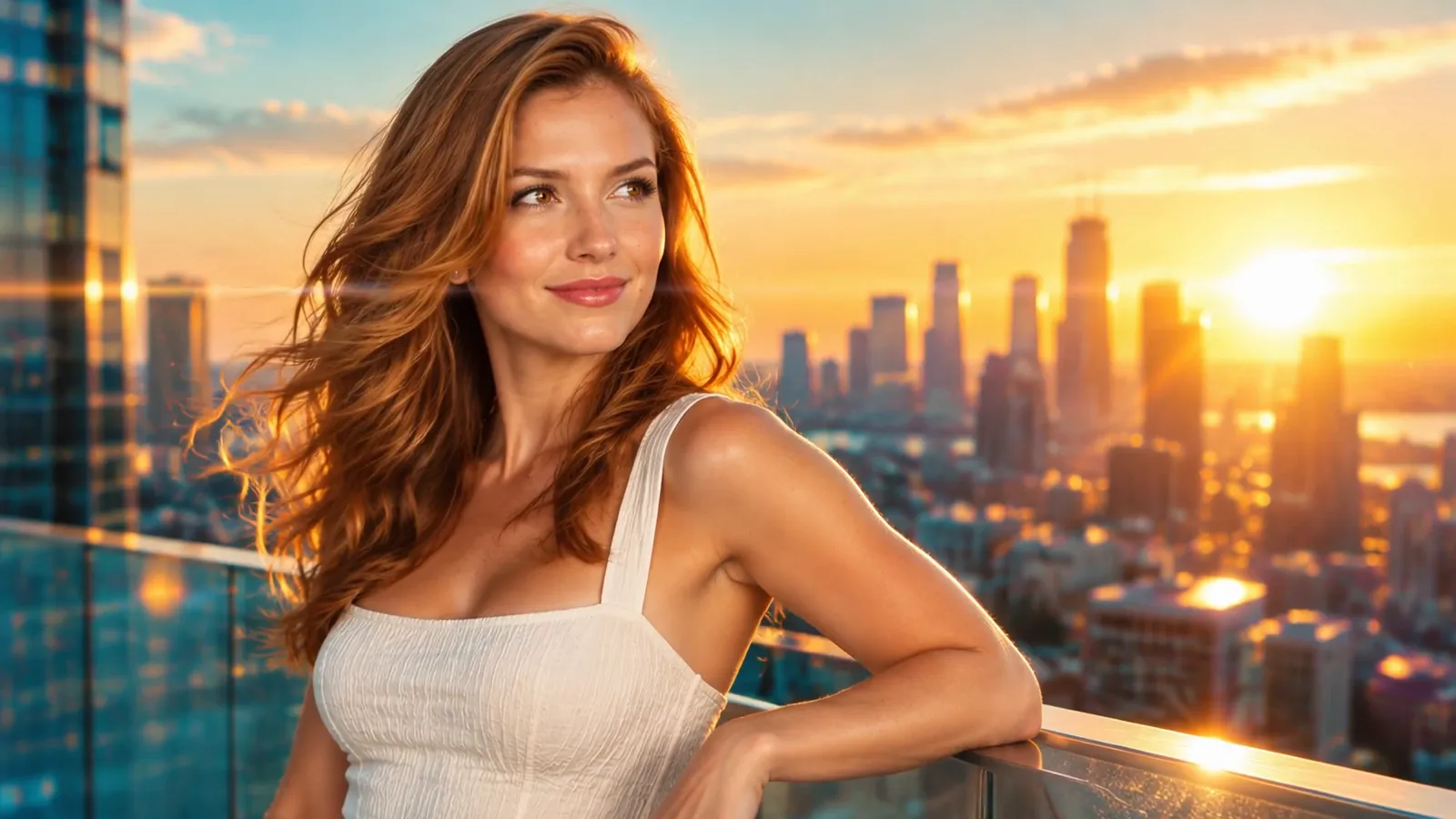
Turn your song into a beat-synced music video in minutes. Upload a track and one photo. The AI director writes the storyboard, keeps your artist consistent and cuts every shot to the beat.Turn your song into a beat-synced music video in minutes. Upload a track and one photo, and the AI director does the rest.
Your first 15-second video is freeNo song? Generate oneNo subscription
Watch a song become a music video
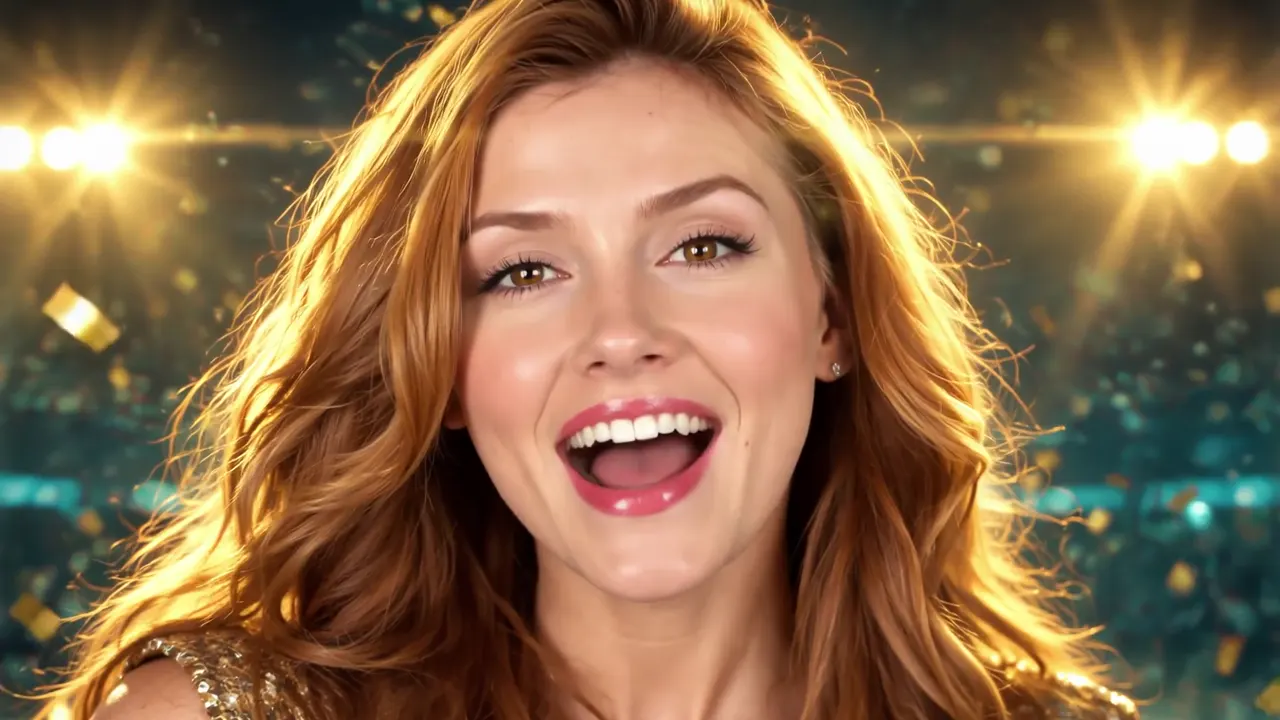
Three real music videos, each made from one song and one photo. Play one, or click any clip to see how the AI director planned it: the lyric, the storyboard frame, the motion and the camera move.
How to make a music video with AI
- 1
Upload your song
Add your track (or generate one in about a minute) and a clear, front-facing photo of your artist. Use the whole song or just the chorus, then pick a style.
- 2
Review the storyboard
See a storyboard frame for every shot. Rewrite and redraw the ones you don’t like before you spend credits on video.
- 3
Render and download
Shots are animated and cut to the beat. Download an MP4 up to 1080p in 9:16, 16:9, 1:1, 4:3 or 3:4.
Edit any shot before your music video renders
Not happy with a frame? Rewrite what it should show and draw it again. The video is only rendered once every shot looks right.
Music video styles for every genre
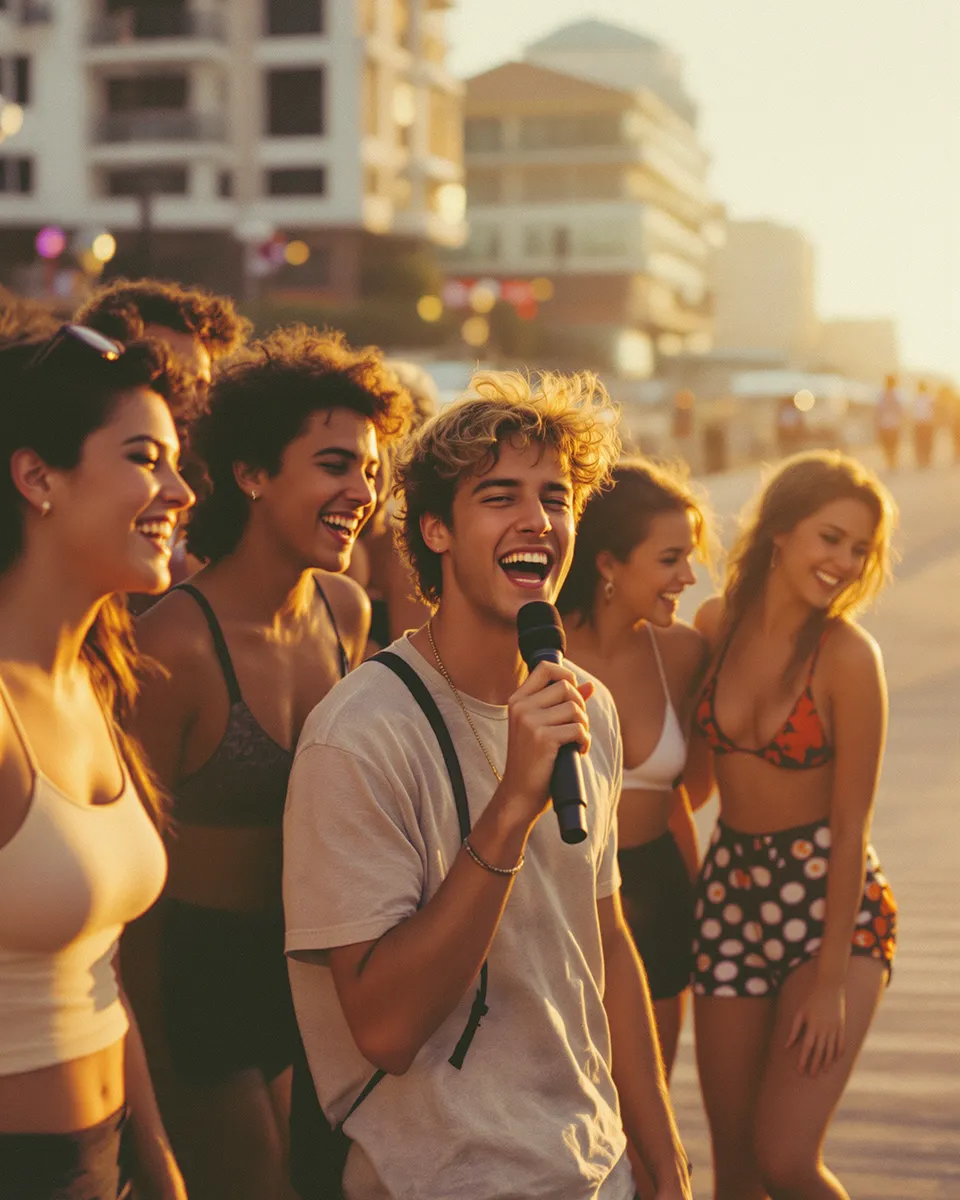
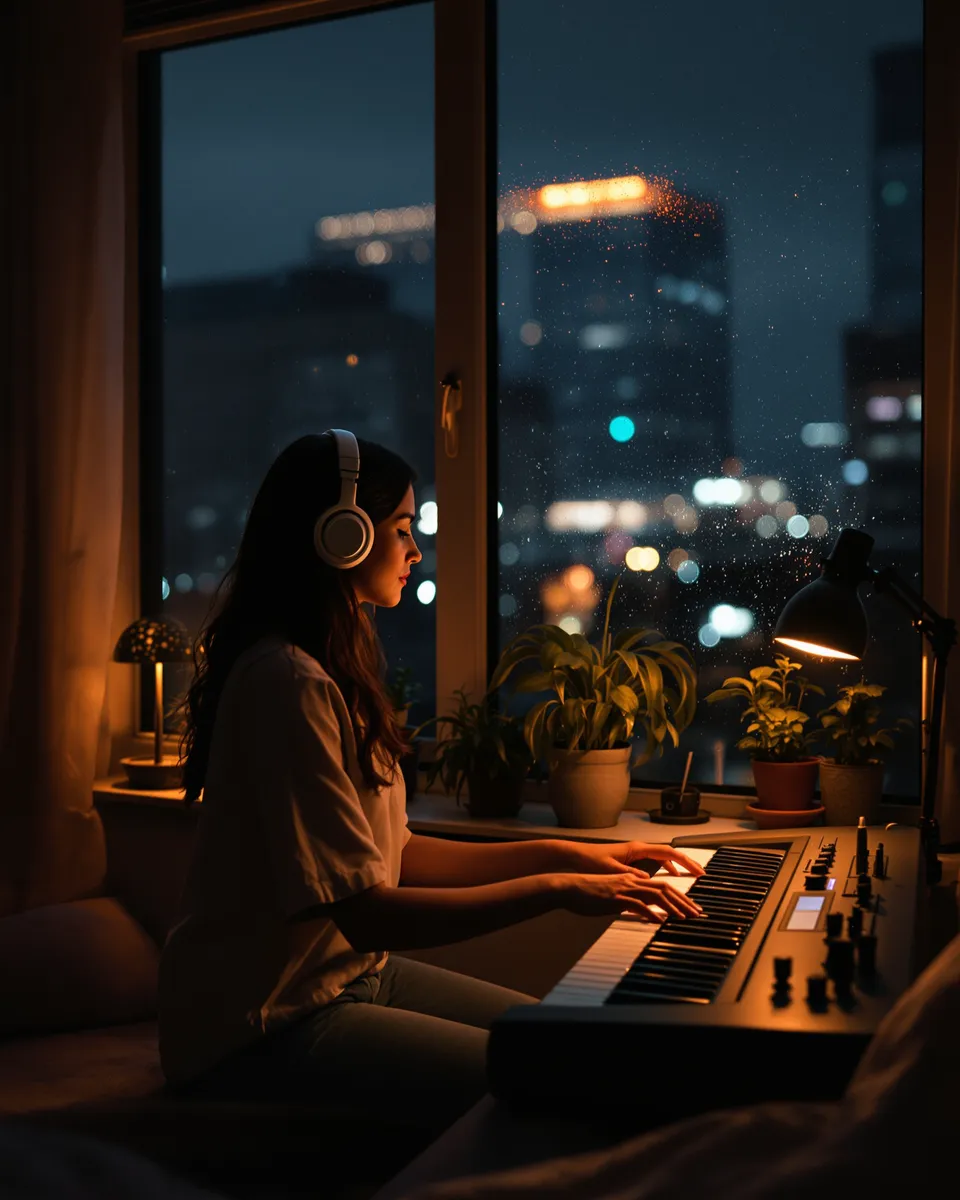
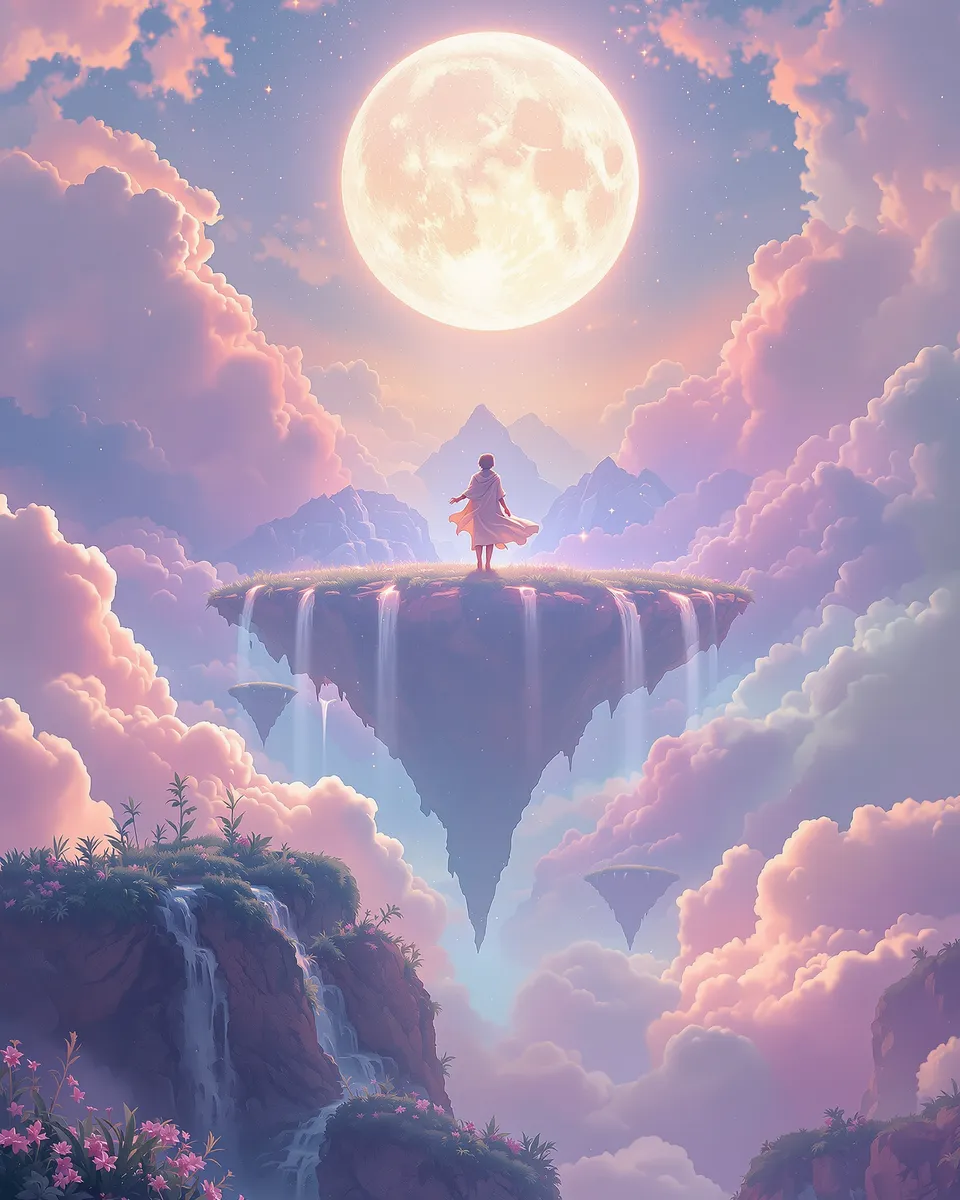
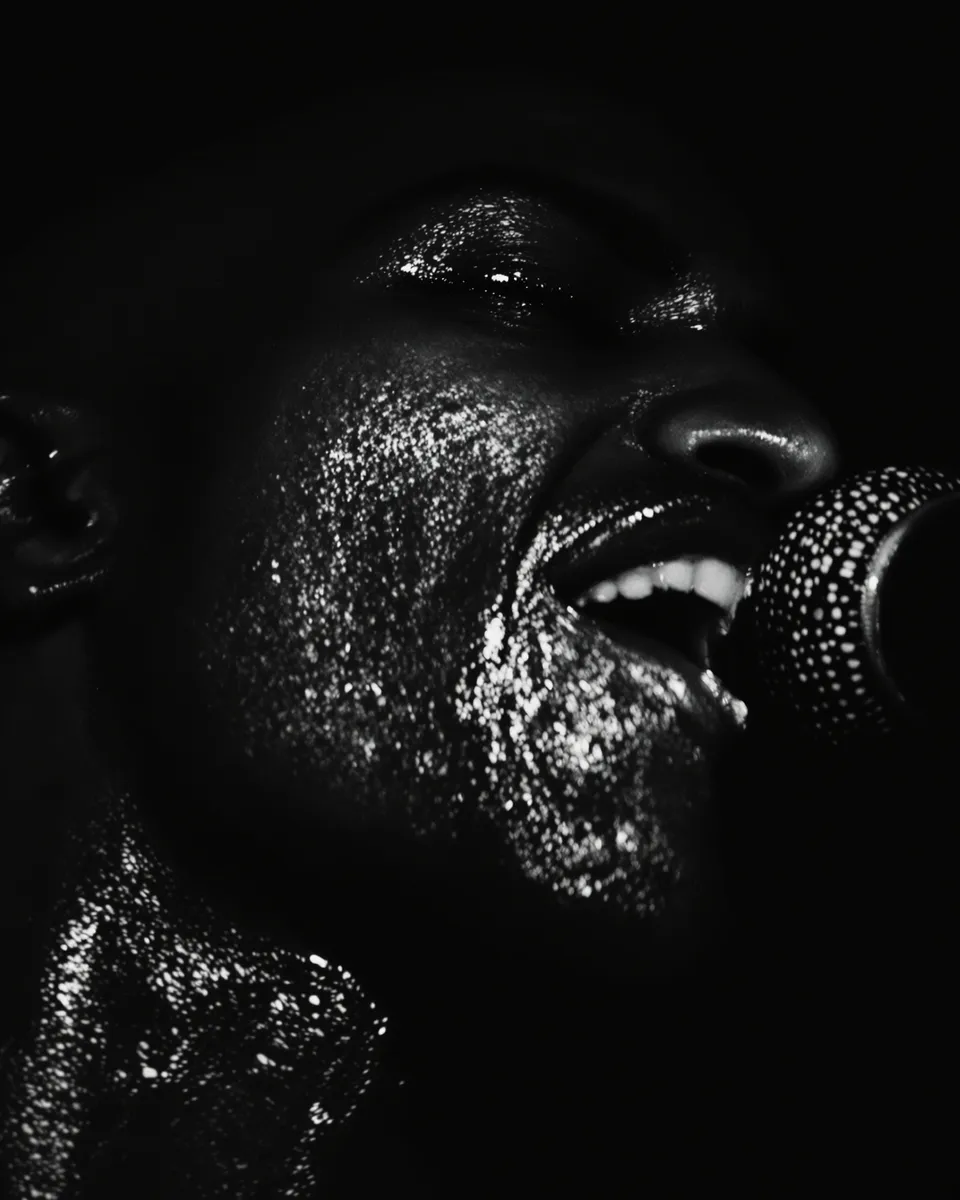
Cinematic, anime, neon, lo-fi and more. Each style writes the visual direction for you, and you can still edit every word.
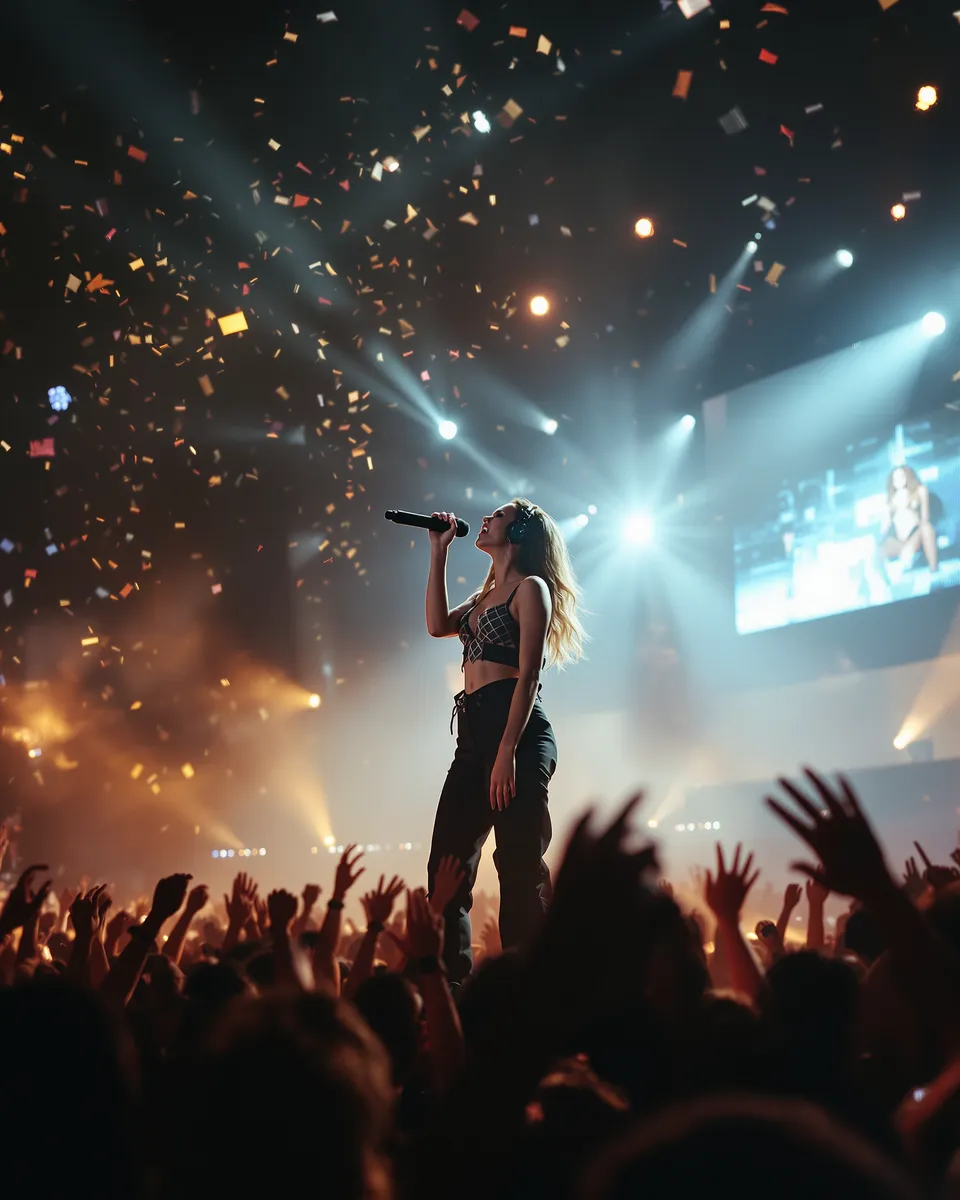
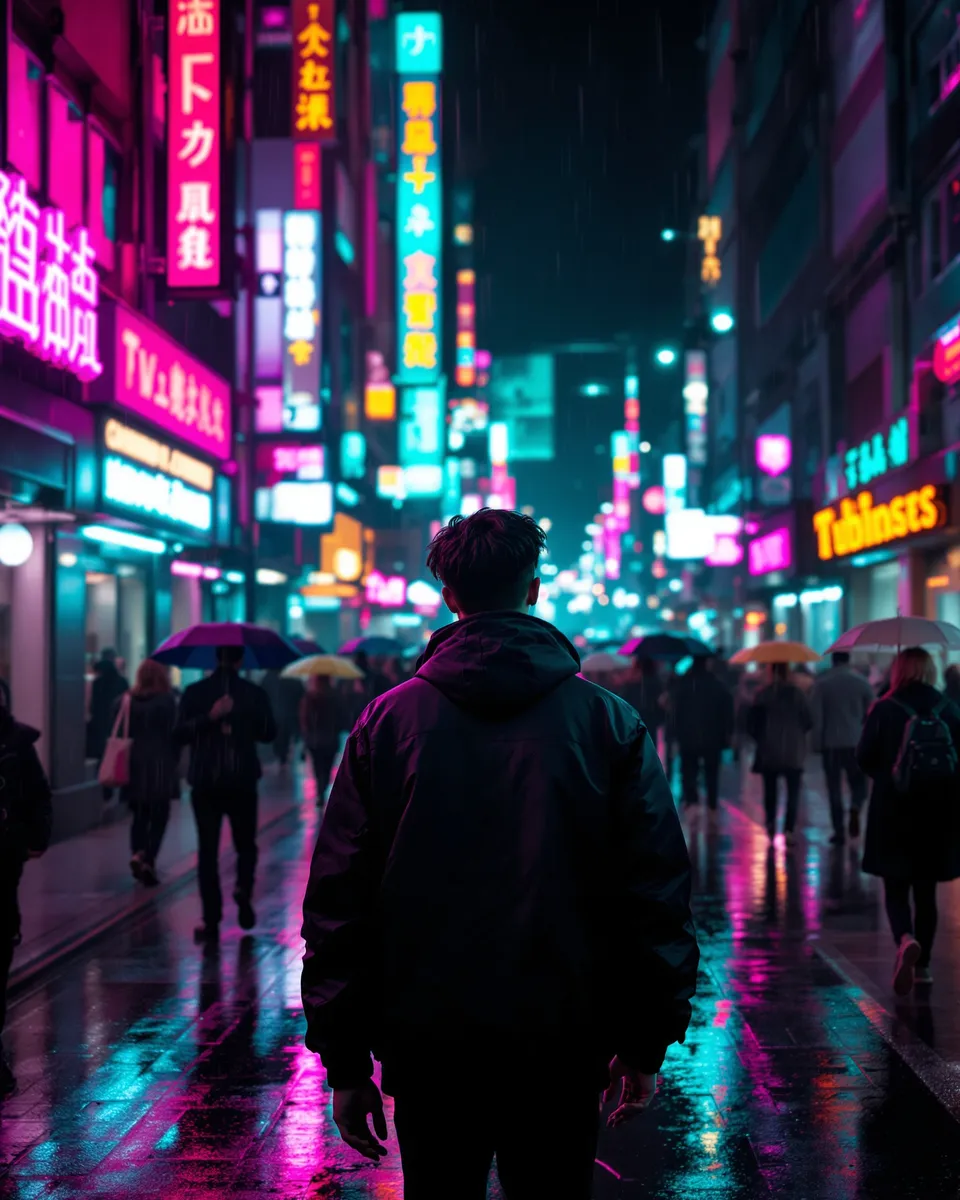
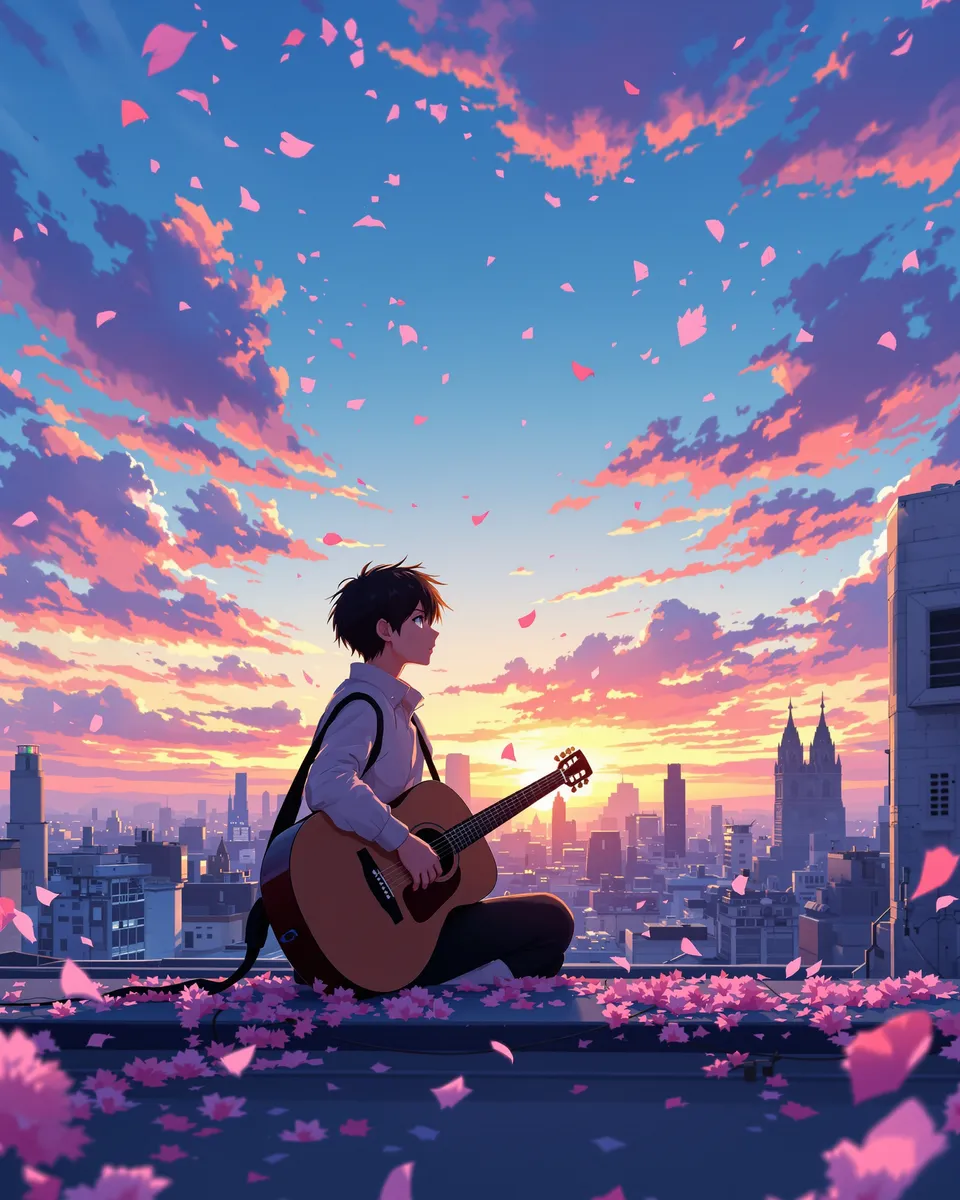
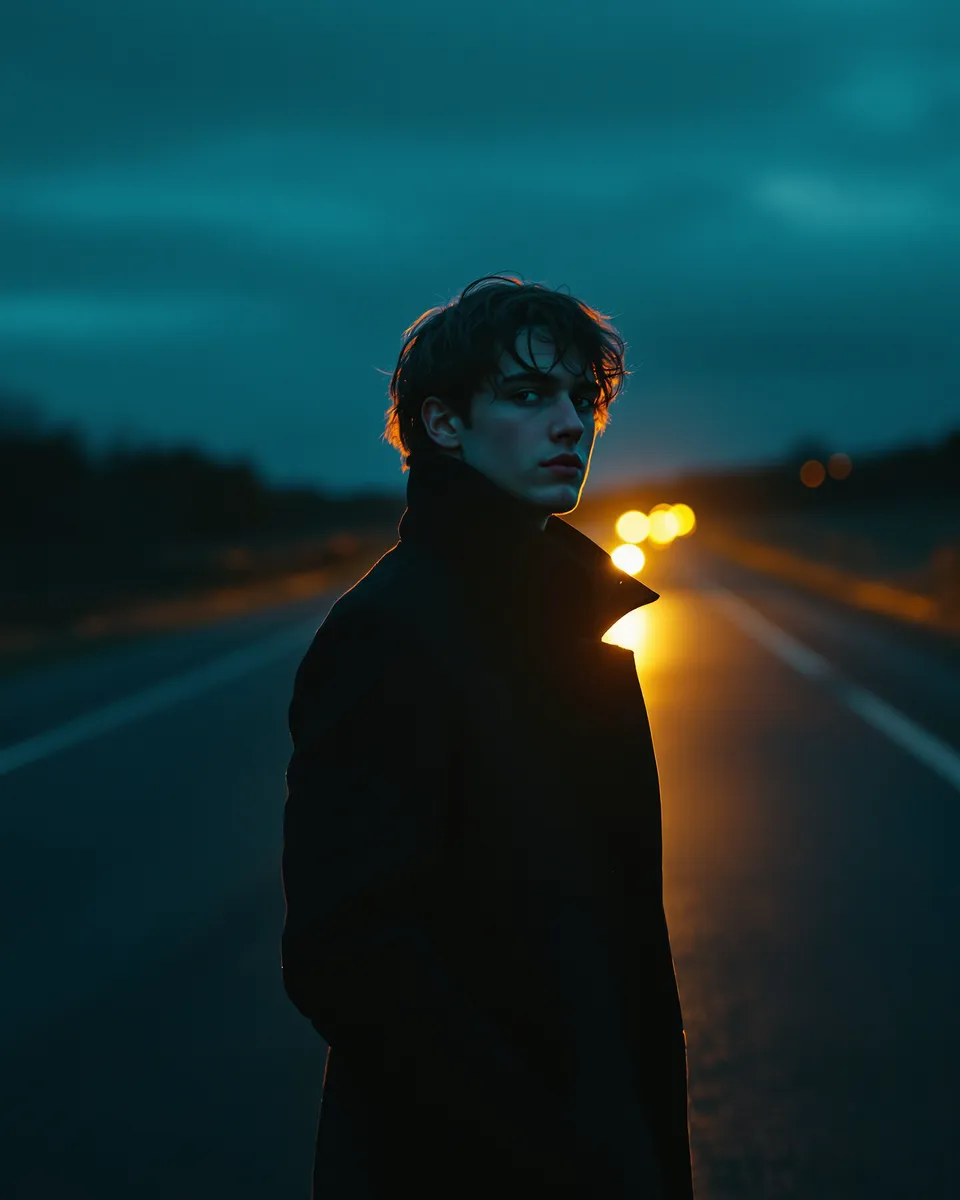
Music videos for TikTok, Reels and YouTube
Pick a format before you start. Every shot is generated and framed for that screen, not cropped afterward.
- 9:16TikTok, Reels, YouTube Shorts
- 16:9YouTube, websites
- 1:1Instagram & Facebook feed
- 4:3Classic TV look
- 3:4Portrait posts
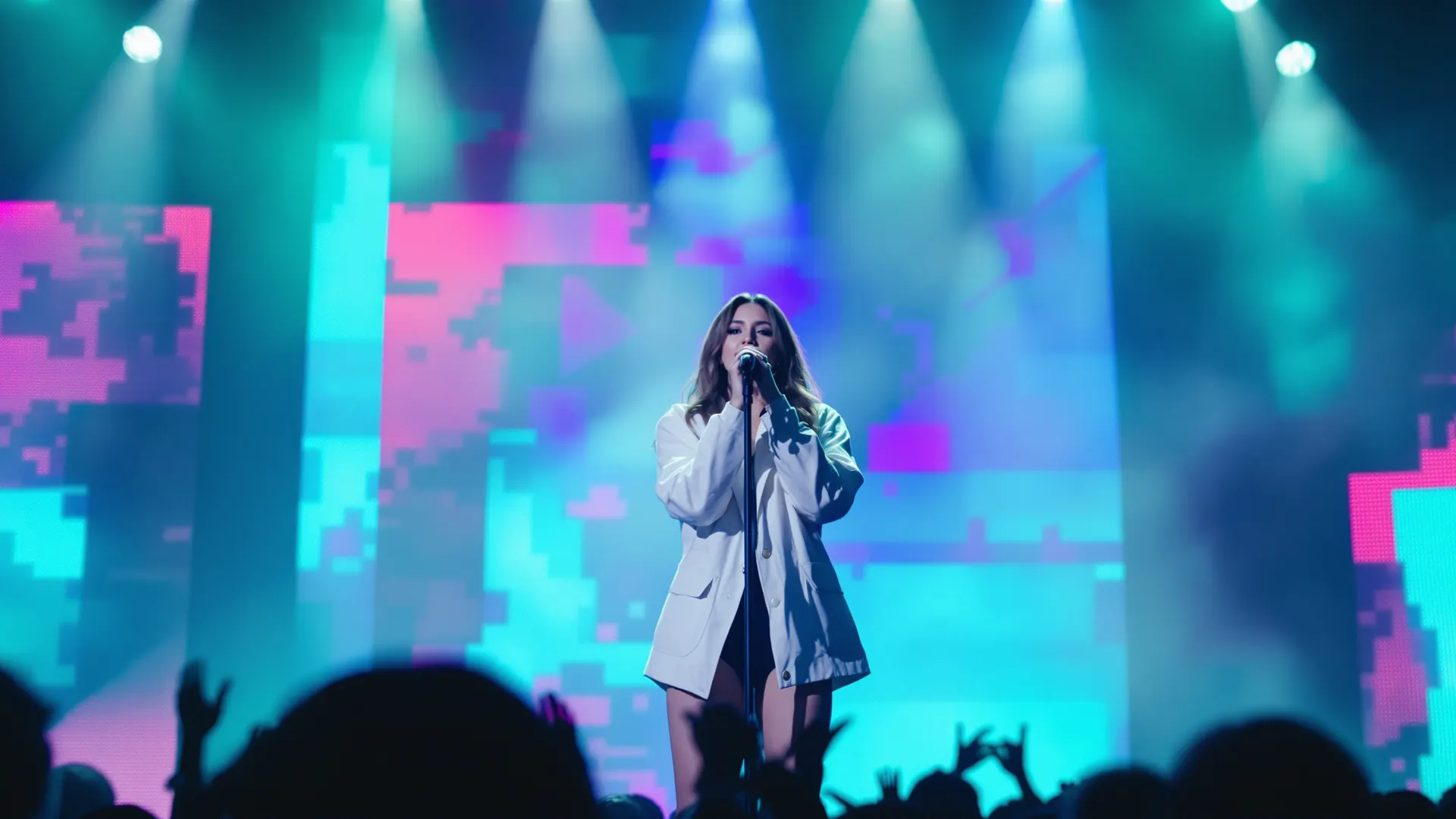
An AI music video maker built for musicians
Use just the best part
Make a video of the whole song or only the chorus. Shorter clips cost fewer credits and fit TikTok and Reels.
Cut to the beat
The AI director maps the beat, sections and mood of your song, so every cut lands on the music.
Lip-sync singing shots
Vocal parts get lip-synced performance shots, so your artist actually sings the song.
Consistent characters
One photo locks in your lead. Add a second character for a duet or a story.
Review before you render
Check every storyboard frame before rendering. Discard the storyboard and everything but the preview fee comes back.
Redraw any shot
Rewrite a shot and redraw its storyboard frame for 1 credit. Failed frames retry for free.
Render directly
In a hurry? Skip the review and get the finished video in one go.
Who uses an AI music video maker?
Independent artists
Release every single with a music video. No film crew or video budget needed.
Rappers & singers
Put your face on the track and get lip-synced performance shots on every verse.
TikTok & Reels creators
Make vertical 9:16 music videos for TikTok, Reels and Shorts in minutes.
Labels & managers
Give every release in the catalog its own on-brand music video.
What is an AI music video generator?
An AI music video generator turns a song into a finished music video. MusicMV listens to your track (the beat, sections, lyrics and mood), writes a shot-by-shot storyboard, draws a storyboard frame for every shot with your artist in it, then animates the shots and cuts them to the beat.
Unlike general text-to-video tools, this is song to video: the music drives everything. Cuts land on the beat, and vocal parts become lip-synced singing shots.
- Input
- A song (MP3, WAV or M4A, 10 s to 6 min) and 1–2 photos
- Output
- A finished MP4 music video, up to 1080p
- Formats
- 9:16, 16:9, 1:1, 4:3 and 3:4
- Lip-sync
- Vocal parts become singing shots of your artist
- Speed
- Storyboard in about 3–5 minutes; a full-song video usually takes about 10 minutes, longer for longer songs
- Price
- Free to start, then 1 credit per second at 768p · no subscription
Music video generator pricing: start free, no subscription
You pay for the seconds you use: 1 credit per second at 768p, 2 at 1080p. A 15-second chorus clip costs 15 credits. Credits never expire.
Starter
$9.90
240 credits≈ 4 min at 768p$0.041 per credit
240 credits
≈ 4 min of 768p music video
Creator
Most popular$29.90
800 credits≈ 13 min at 768p$0.037 per creditSave 9%
800 credits
≈ 13 min of 768p music video
Studio
$79.90
2,400 credits≈ 40 min at 768p$0.033 per creditSave 19%
2,400 credits
≈ 40 min of 768p music video
AI music video generator FAQ
How do I make a music video from a song with AI?
Upload your song (MP3, WAV or M4A, up to 6 minutes) and a clear photo of the artist, then pick a style. The AI music video generator writes a storyboard with a storyboard frame for every shot. Redraw any frame you don’t like, then render. The finished MP4 is cut to the beat.
What if I don’t have a song?
Generate one right here. Describe the idea, pick a genre and vocals, and you get 2 versions to choose from in about a minute. Each song costs 3 credits.
Is the AI music video generator free?
You can start free: every new account gets 20 credits, enough for a song and a 15-second music video (with a small watermark). To download, or to make longer videos, buy any one-time credit pack (no subscription). Every video you’ve made then downloads without the watermark.
Can the singer lip-sync to my song?
Yes. Vocal parts become lip-synced singing shots of your main character, so the artist performs your song.
Can I add lyrics to my music video?
Yes. Turn on lyric captions on the finished video and pick a style: karaoke, clean or bold. Captions are free, timed word by word, and added to your download. Generated songs already have their lyrics; for a song you upload, we write the lyrics down the first time you turn captions on.
Can I put my own face or photo in the music video?
Yes. Upload a clear, front-facing photo and that person stays consistent in every shot. Add a second character for a duet or a story.
How much does an AI music video cost?
It follows the length you use: 1 credit per second at 768p, 2 at 1080p. A 15-second chorus clip costs 15 credits; a full 3-minute song at 768p costs 180 credits. Discard the storyboard and you get back everything except the preview fee, which is shown before you decide.
Can I use the music videos commercially?
Once you’ve bought any credit pack, your videos download without a watermark and can be used commercially, including on YouTube, TikTok and streaming platforms, as long as you own or have the rights to the music and photos you upload.
Which formats can I download?
MP4 up to 1080p in 9:16 for TikTok, Reels and Shorts, 16:9 for YouTube, or 1:1, 4:3 and 3:4.
Make your first AI music video free
Upload a song and see your storyboard in a few minutes. Your first 15-second video is on us.
Make a music video